
Company-wide Knowledge
One Knowledge Base Every AI On Brand
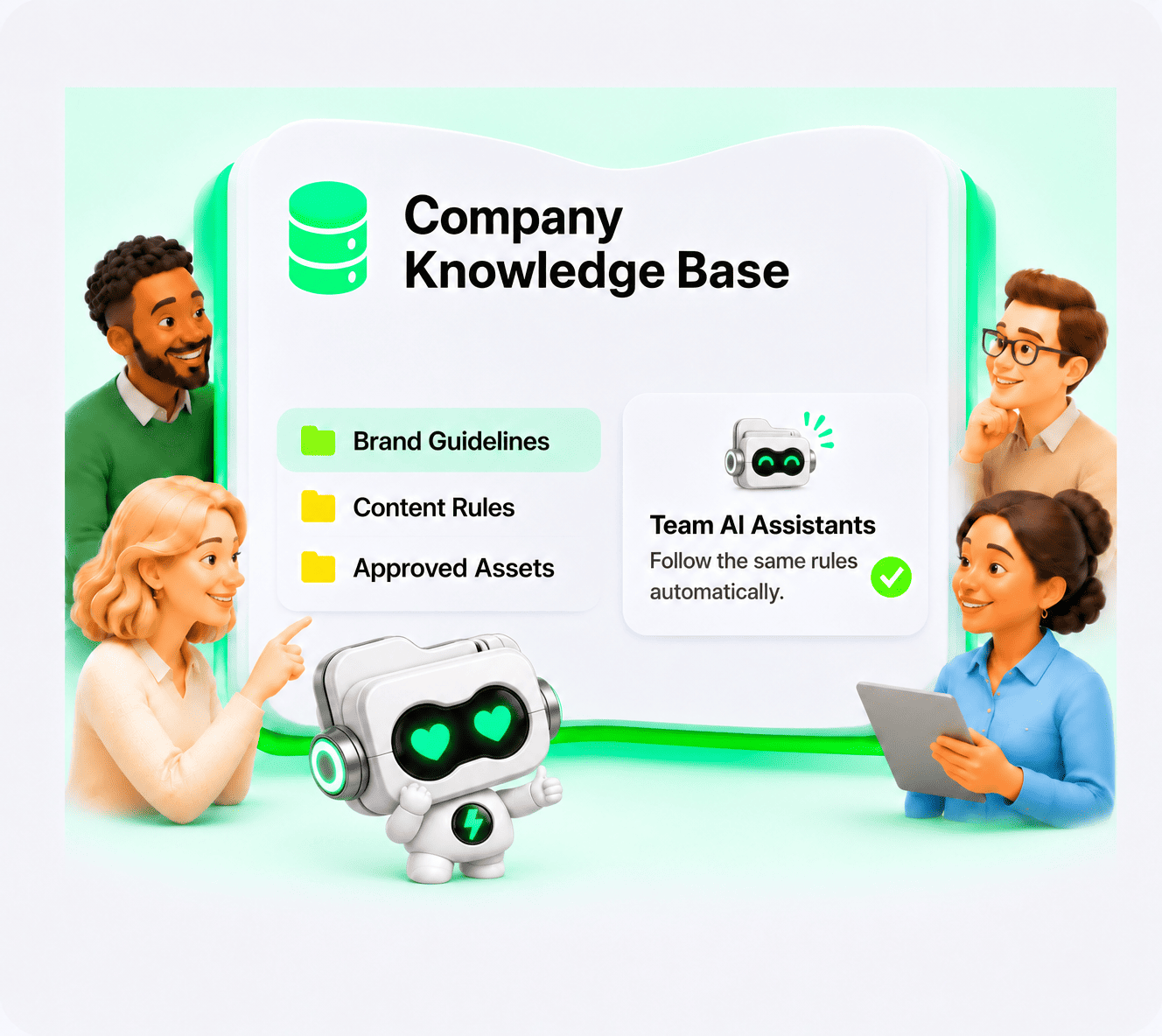
Keep every team's output aligned with shared brand guidelines and knowledge
Share company knowledge, reuse proven workflows, and manage team output and AI credits in one place
Keep Expertise in the Business
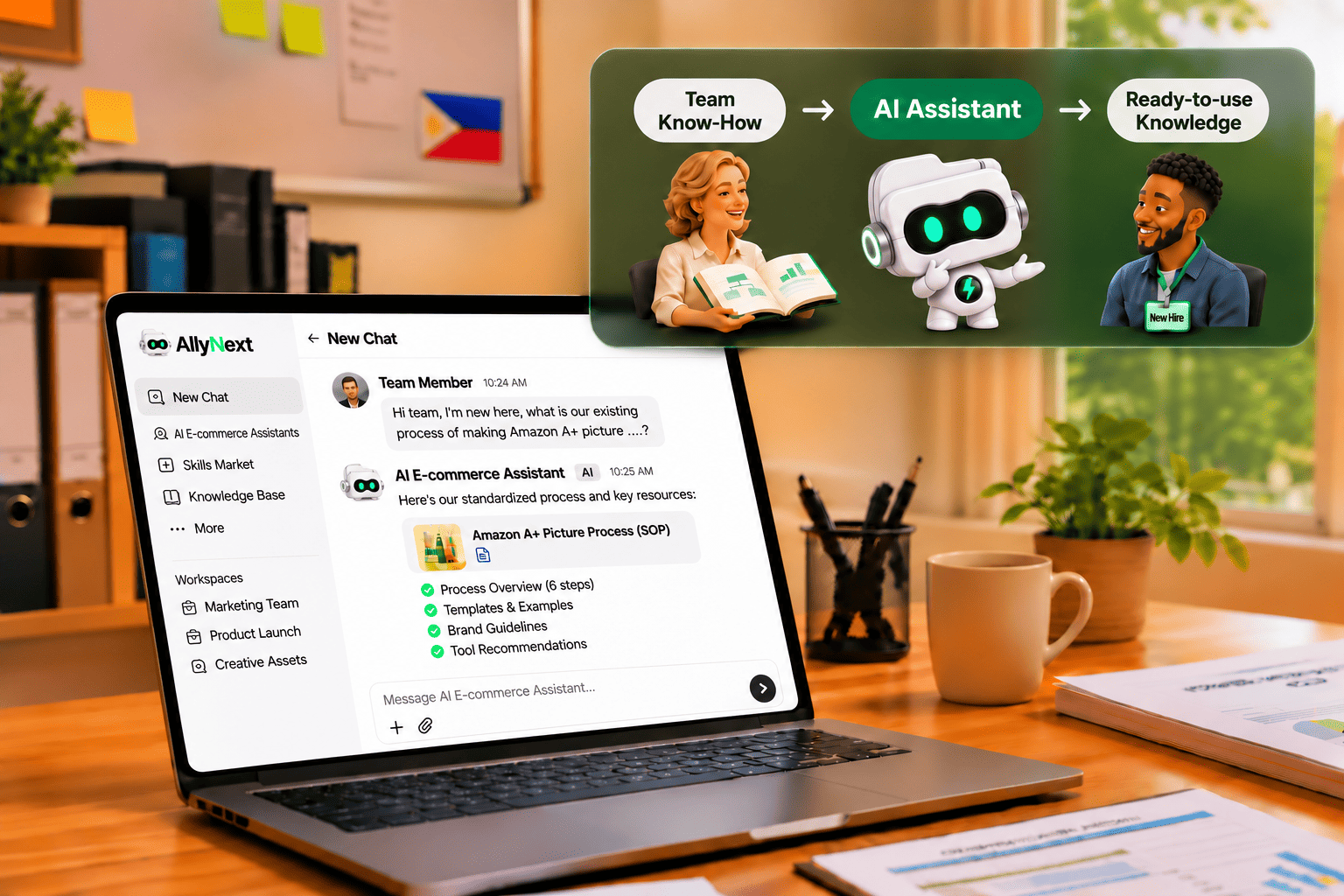
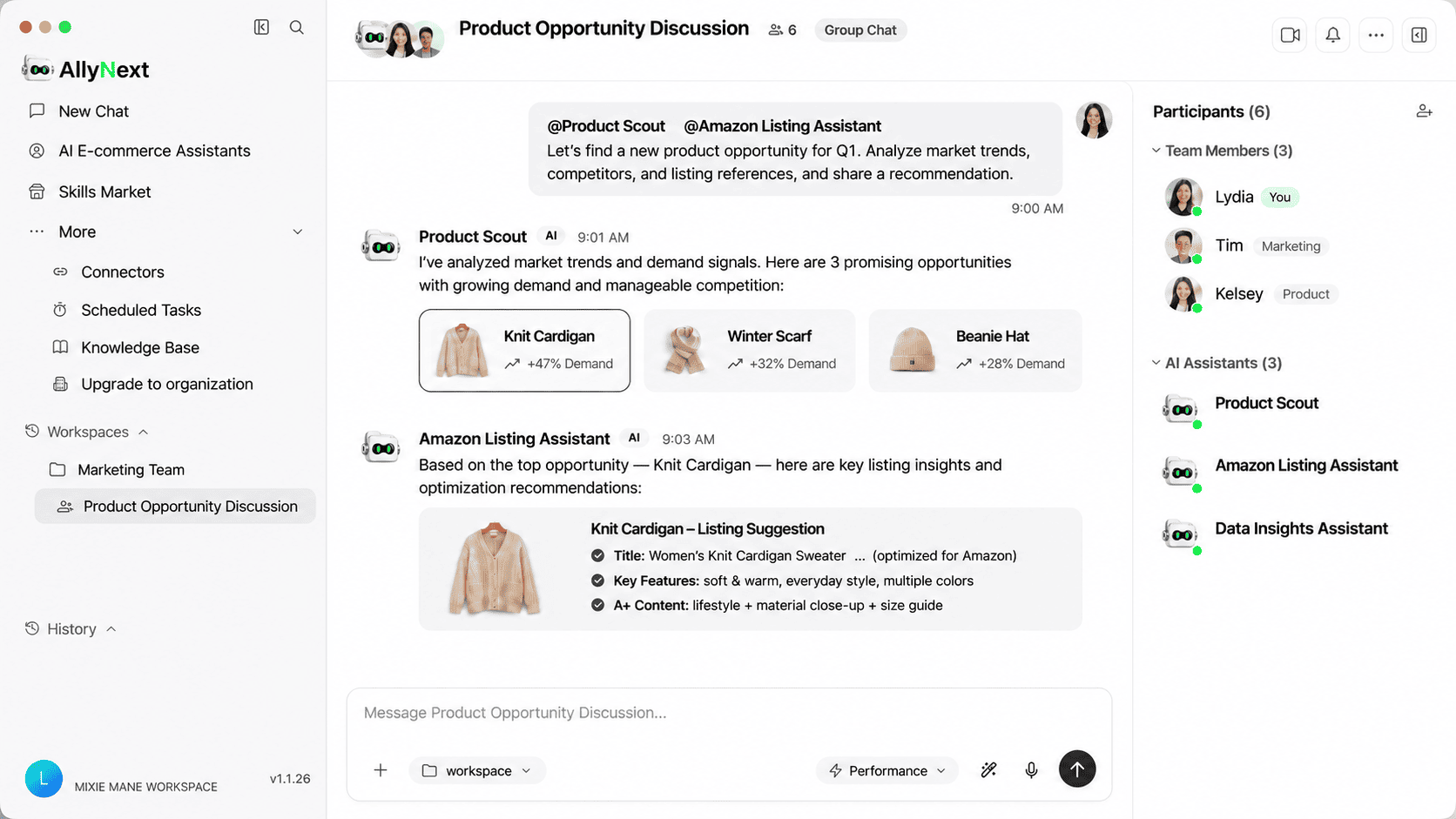
AI assistants that share and collaborate
Task Collaboration
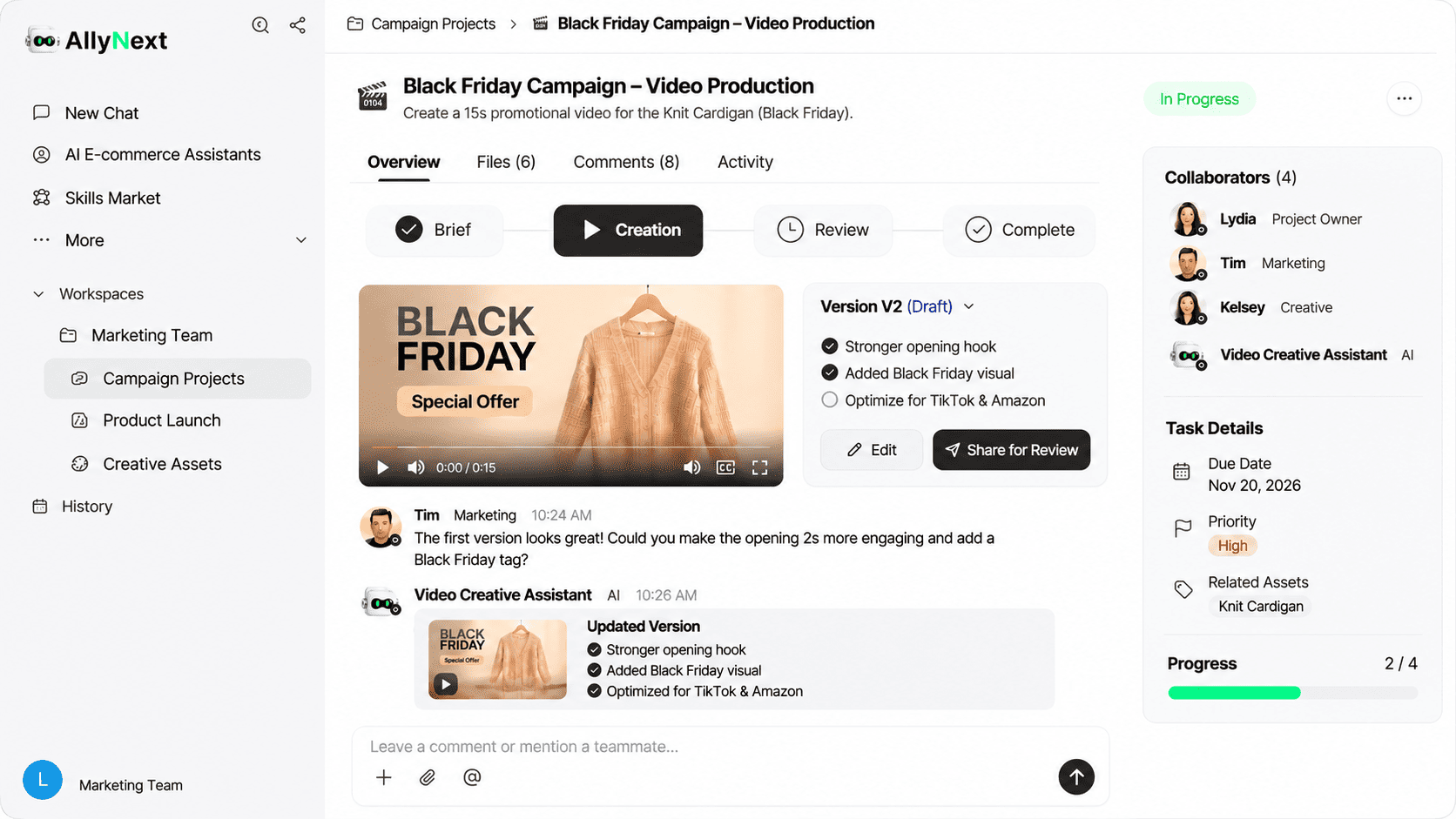
One Knowledge Base Every AI On Brand
Keep every team's output aligned with shared brand guidelines and knowledge
See What Your Team Has Built Reuse What Works
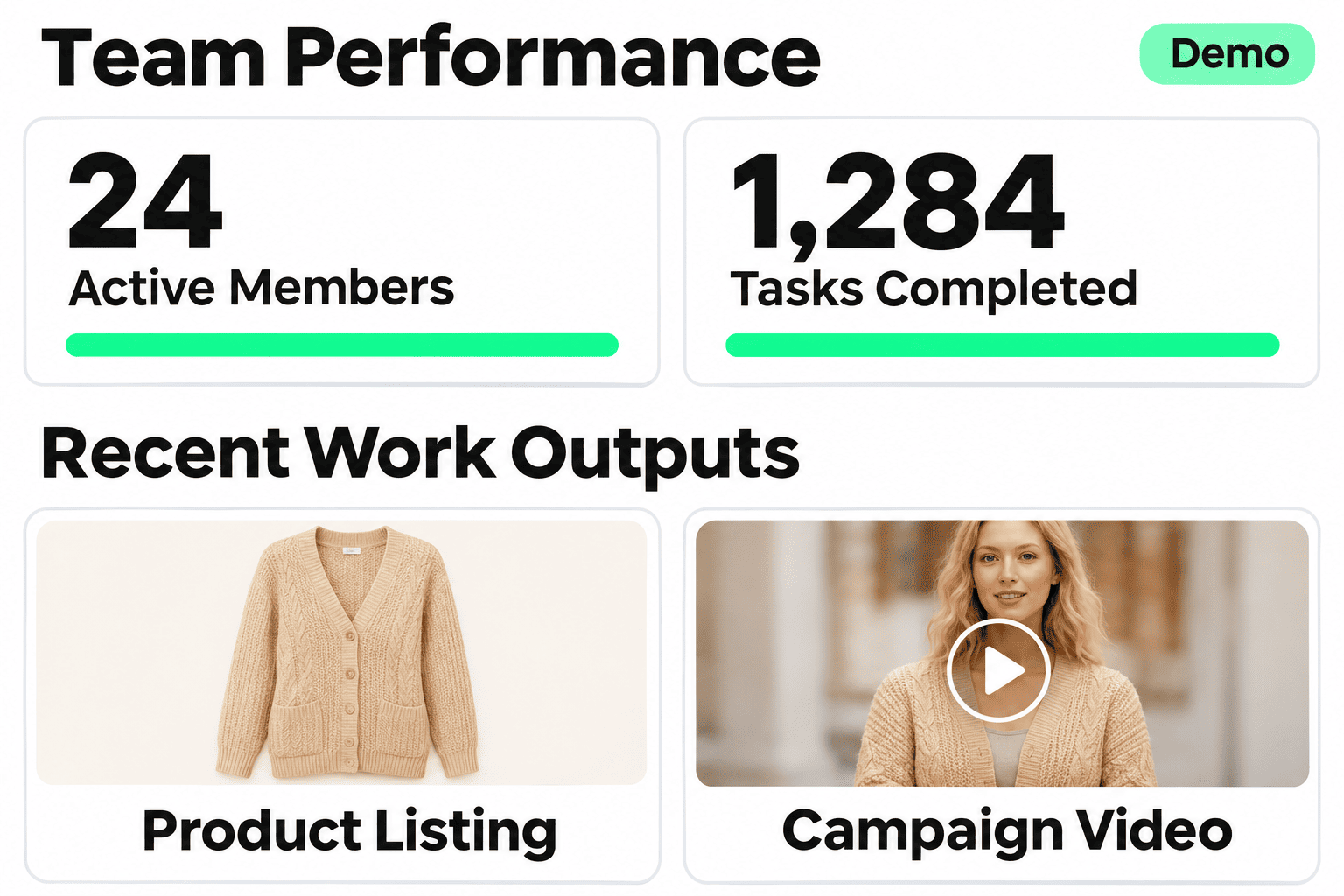
Review team output, monitor quality, and track productivity in one place
Set the Budget Adjust Member Quotas by Needs
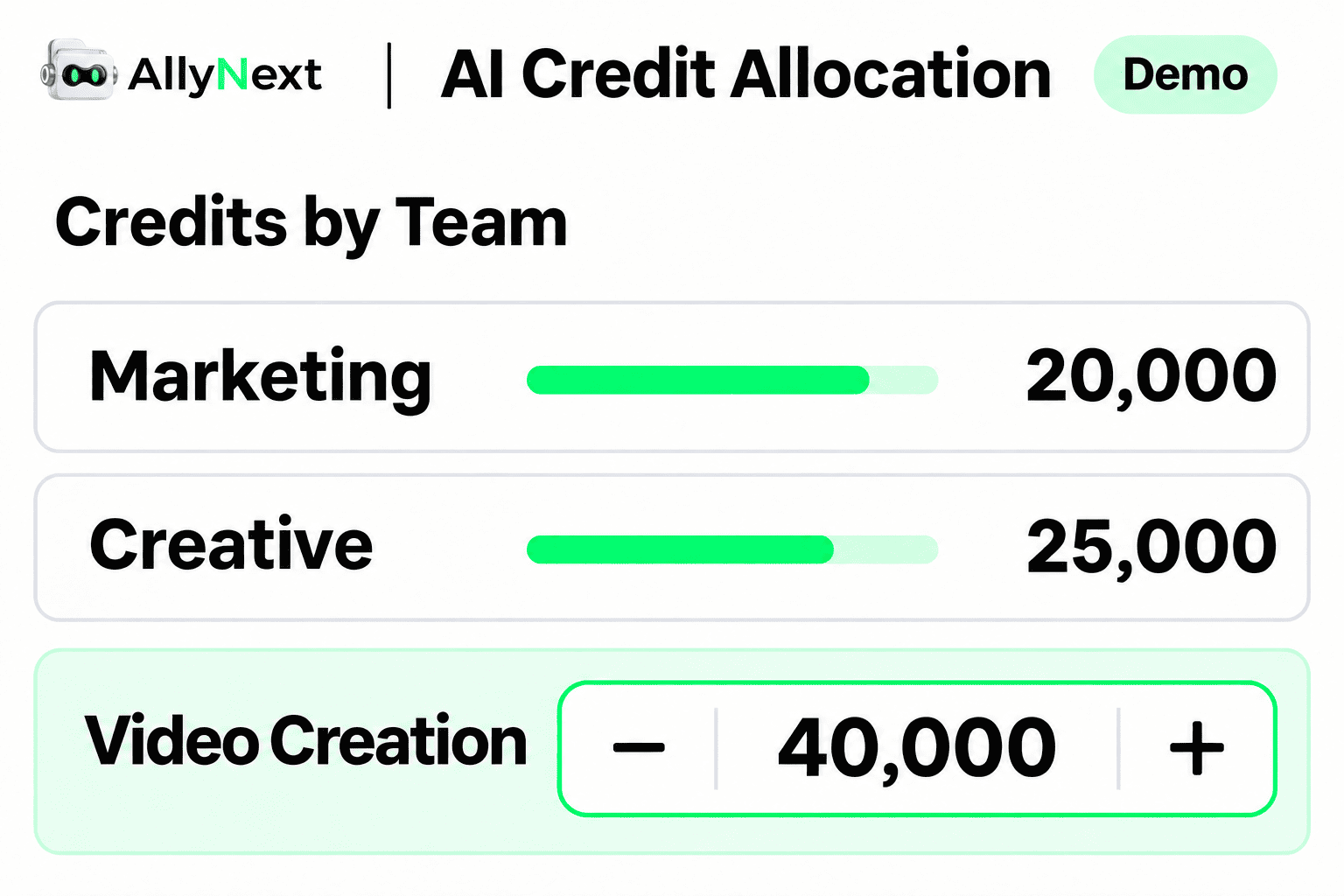
Distribute AI credits based on each team's workload and business needs
Enterprise Data Privacy
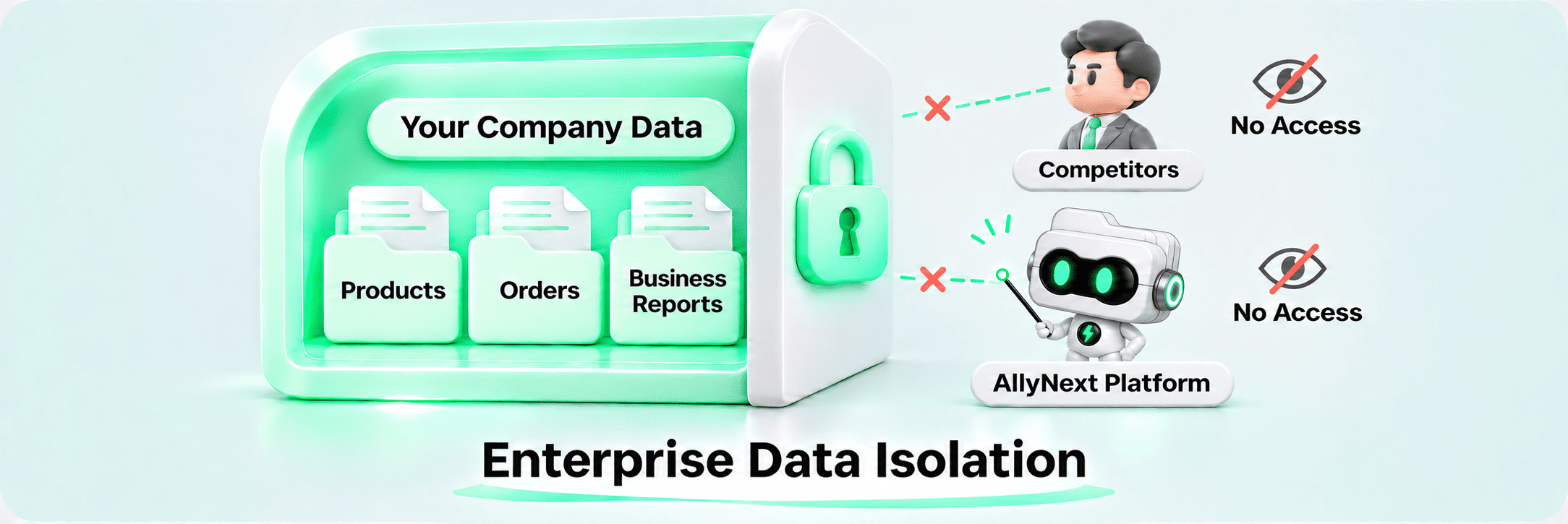
Your organization’s data stays separate from other organizations’ data
Only authorized users can access your organization’s data
Your enterprise data is excluded from AI model training
No We don’t use your enterprise conversations, knowledge base content, or other assets to train or improve our models Your organization can manage that data in AllyNext according to its own compliance requirements
We don’t retain your enterprise conversations Your organization creates and manages assets such as knowledge bases, skills, and MCP connectors in AllyNext, and can delete them directly in the product
Yes Knowledge bases, skills, members, and settings in your enterprise workspace are separate from personal accounts Content from personal accounts is not automatically added to the enterprise workspace
Each enterprise organization is a separate tenant Members of other organizations can’t access your assets Admins can configure the organization’s identifier, display name, and logo in settings
AllyNext has three roles: Owner, Admin, and Member Owners and admins manage the organization, its members, and the assets it publishes Members can use the assets they have permission to access